 CruiseFellows.com
Browse Popups
Here's what the 'Browse' button does on my system (Windows XP), and how looking at thumbnails really helps choose a picture:
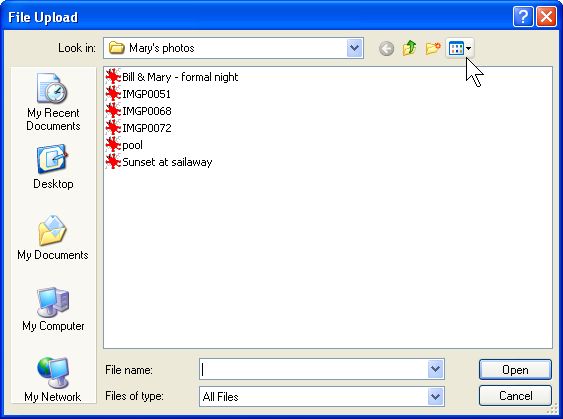
Clicking the Browse button and you should get something like this:
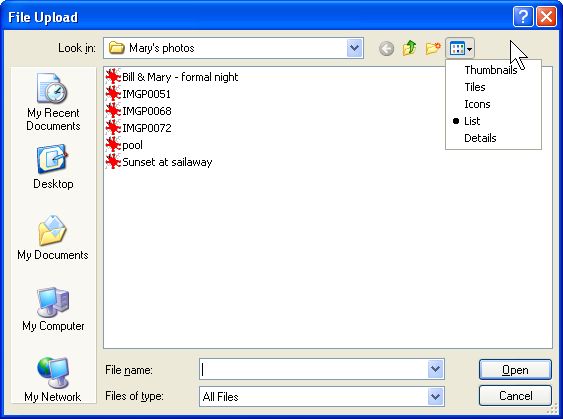
Click the View Menu icon and you get this:
Select "Thumbnails" and you get this:
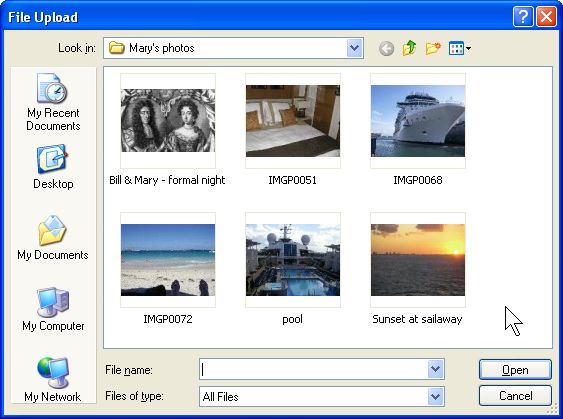
Click the photo and the "Open" button and you're in business.
(I think Bill & Mary look pretty good in their formal night photo. :)
Ready?
Click to go back...


